

Apple’s tvOS 27.2 update adds screensaver and FaceTime options for Apple TV.
Apple adds more screensaver choices, easier FaceTime access and remote-finding improvements, alongside new accessibility options.
Apple has released new tvOS 27.2 features for Apple TV, adding screensaver choices, FaceTime improvements and accessibility tools. The free update supports the second-generation Apple TV 4K, released in 2021, and later models.
The release arrived alongside iOS 27.2 and macOS 27.2. It marks the first Apple TV software update since tvOS 27 launched in September, because Apple skipped version 27.1. An Apple support document outlines the changes.
tvOS 27.2 features expand screensaver and calling options
A new Shuffle option lets screensavers cycle through Aerials, Memories, Portraits and Snoopy. Previously, users had to choose one category rather than rotate between the available choices.

Users can also select specific screensaver photos through an iPhone without sharing their entire photo library. This gives people in shared homes more control over which personal pictures appear on their television.
Meanwhile, FaceTime links make it easier to join calls directly from Apple TV. Calls still rely on an iPhone as a webcam through Apple’s Continuity Camera feature.
FaceTime also gains support for third-party sign language interpreters and live captioning services during calls. Apple has extended those options to iPhone, iPad and Mac through their respective software updates.
Remote finding, profiles and device limits
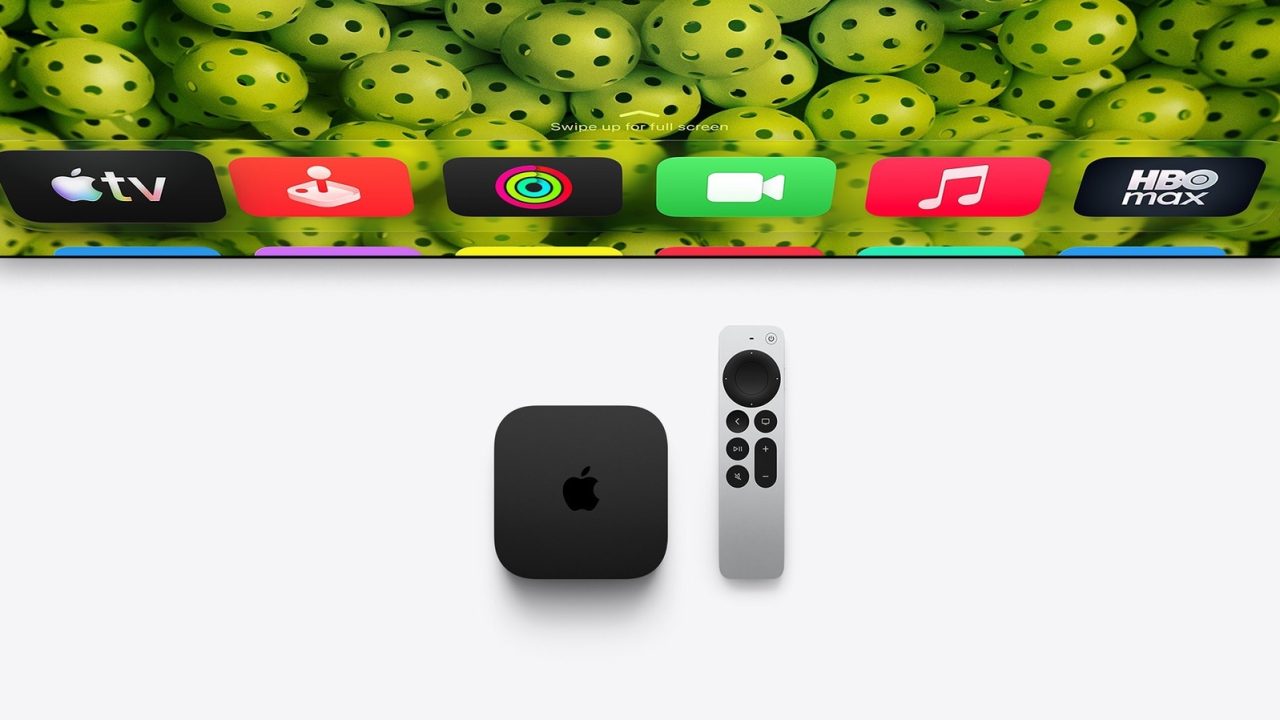
The update brings a remote-finding improvement to earlier Apple TV models. Their remotes now appear in the Find My app, removing the need to open TV Remote through the iPhone’s Control Center.
However, the speaker-assisted finding feature requires the new Siri Remote that accompanies the latest Apple TV 4K. That hardware adds improved Find My support and a speaker to help users locate the remote.
For viewing accessibility, selected films and shows in the Apple TV app now support ASL and BSL. Users can enable these options through the player controls or Settings.
Meanwhile, Apple TV app profiles on iPhone and iPad now sync with Apple TV following iOS 27.2. Apple has also added characters to the profile selection screen and introduced a black-and-white Apple Music icon.
Some additions remain exclusive to the new A19-powered Apple TV 4K. These include surround sound using two pairs of HomePod mini 2 or second-generation HomePod speakers.
To install the update, open Settings on Apple TV, choose System and select Software Update.