

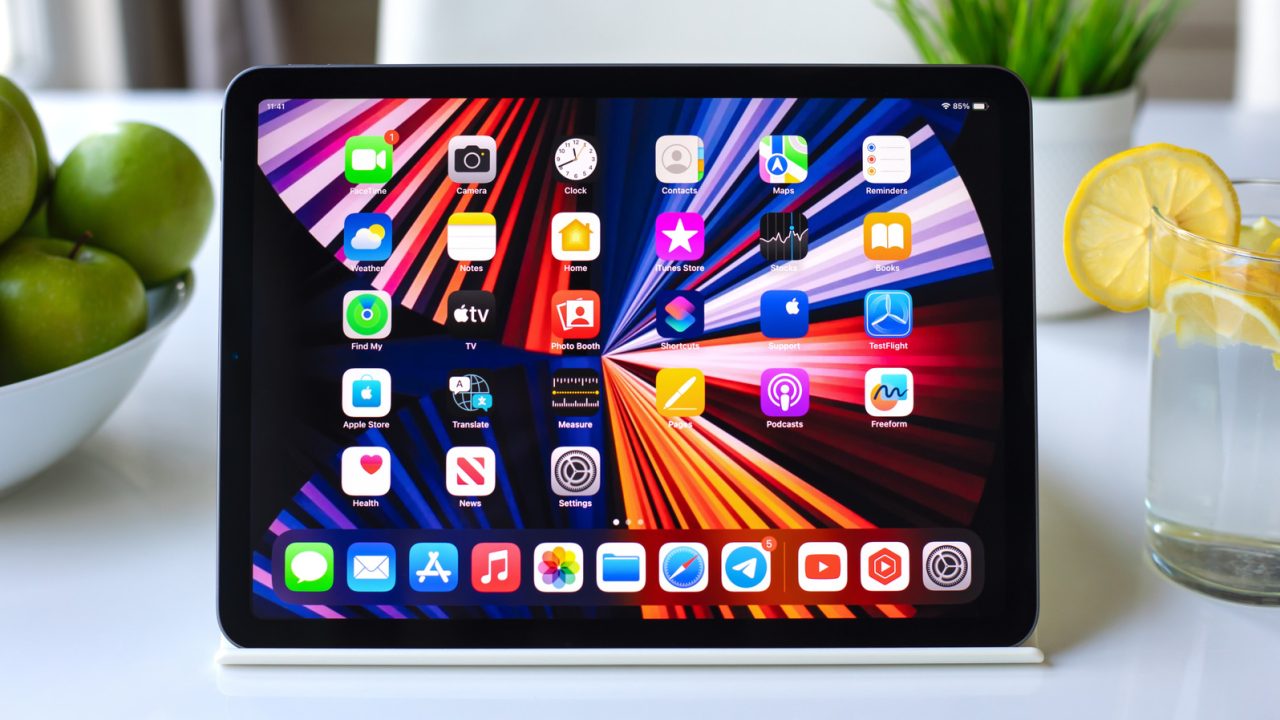
iPad widgets provide shortcuts to everyday information and app features.
Apple and third-party apps offer Home Screen tools for smart home controls, priority emails, daily planning and personalisation.
iPad widgets offer more than weather forecasts and calendar reminders. Apple’s built-in tools and third-party apps can help users track deliveries, control compatible smart accessories and manage tasks from the Home Screen.
To explore the options, touch and hold an empty Home Screen area, then choose Edit and Add Widget. Some apps also let users turn an existing icon into a widget through its touch-and-hold menu.
iPad widgets for deliveries and everyday controls
Parcel displays upcoming deliveries and offers map widgets showing package locations. It supports up to 300 delivery services, including DHL, FedEx and Amazon Logistics. Linking an Amazon account also imports orders automatically. However, the free tier limits tracking to three deliveries and excludes push notifications; Premium costs $6.99 annually.

Home lets users switch compatible lights and other accessories on or off without opening the app. Users can also select which accessories and scenes appear. Adjusting brightness, colour or thermostat settings still requires the app.
Find My shows the last known locations of Apple devices, AirTags, supported third-party items and trusted people. Meanwhile, Mail can display unread messages, a chosen mailbox or emails from VIP contacts. Tapping a message opens it directly, while the VIP option keeps selected senders within easy reach.
Tools for planning, focus and screen habits
Craft offers widgets for pinned documents, recent files, tasks and Daily Notes. Users can check off tasks without opening the app. They can also assign separate widgets to different Craft Spaces, keeping work tasks apart from personal documents.
Endel provides quick access to AI-powered soundscapes designed for focus, relaxation and sleep. Its sounds also work offline. However, the free edition caps each session at 10 minutes across four modes: Focus, Sleep, Relax and Move. Users can restart sessions, while paid access unlocks more features.
Screen Time displays daily device use without a trip through Settings. The smaller widget shows the total, while larger versions add details about apps and categories. This gives users a quick way to review their screen habits.
Weather, custom layouts and writing prompts
(Not Boring) Weather combines game-inspired 3D visuals with information such as temperature, rainfall, wind and UV levels. It also includes severe weather alerts. However, its real-time weather widget requires a membership costing $14.99 annually.
Widgetsmith lets users customise fonts, colours and layouts for calendars, reminders, photos and other displays. Scheduling also allows the same Home Screen space to show weather in the morning and a calendar during work hours. Premium weather features start at $1.99 monthly.
Journal offers widgets showing writing streaks or prompts that change throughout the day. The app also supports separate journals, handwritten entries and Apple Pencil sketches. For privacy, users can lock it with Face ID, Touch ID or a passcode.