

Samsung’s S Pen Pro supports location tracking through SmartThings Find.
Samsung supports location tracking for its rechargeable Pro stylus, while other S Pens offer different features, including left-behind alerts.
The S Pen Pro is the only Samsung stylus officially compatible with SmartThings Find. Other models, including built-in Galaxy Ultra pens, cannot use the service to locate a missing stylus.
That distinction matters because a left-behind warning does not provide location tracking. The Galaxy S26 Ultra, for example, can warn when its pen remains outside its slot after the display turns off. However, the alert cannot pinpoint where the pen is.
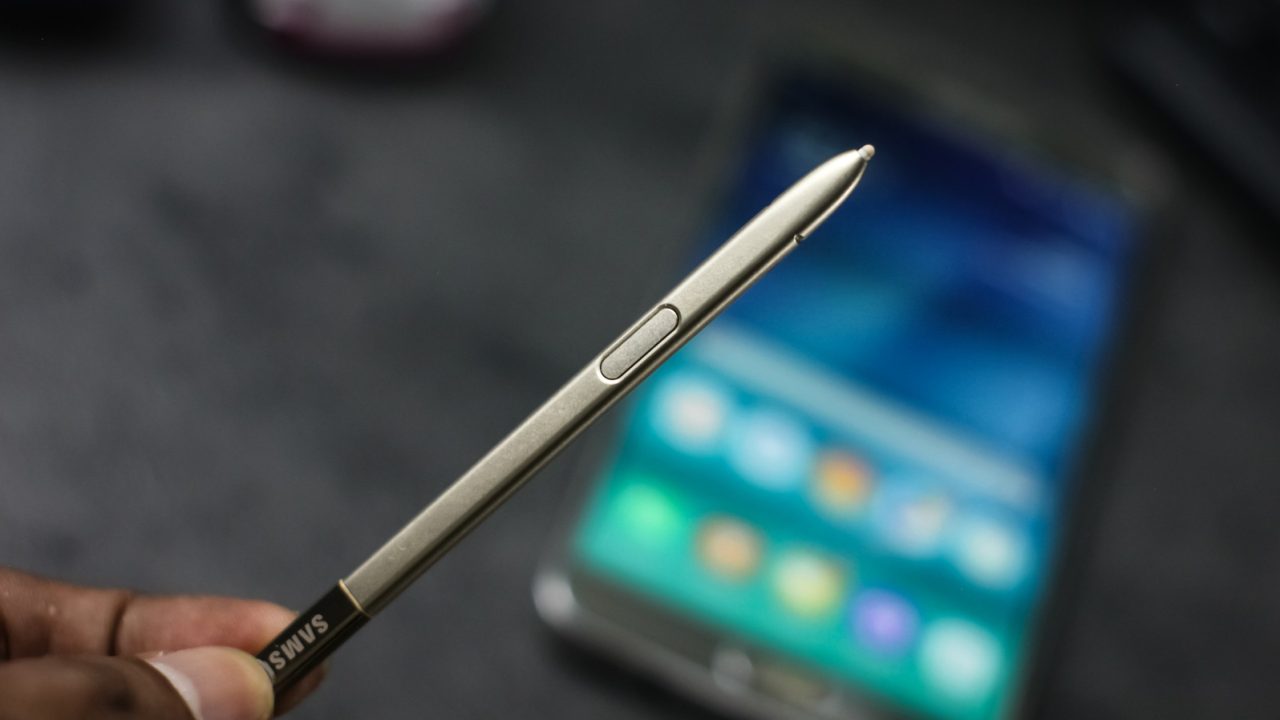
Samsung sells the Pro model separately for $100. It has a rechargeable battery, a USB-C port beneath its cap, a pairing button and a device-mode switch. However, its larger size prevents it from fitting inside the S26 Ultra’s built-in pen slot.

How to prepare the S Pen Pro for tracking
First, charge the stylus and select the appropriate device mode. Hold its Connection button for three seconds, then tap Connect when prompted. Also, make sure you have signed in to your Samsung account.
Next, open SmartThings and go to Life, then Find. Open the three-dot menu and select Settings, followed by Allow devices to be found. Enable Offline finding before the stylus goes missing.
To search, select the pen in SmartThings Find and tap Refresh to update its map location. Then choose More and Navigate for directions. For a nearby search, the Blink light option flashes the pen’s indicator.
The separate Samsung Find app also lists the stylus under Devices. Meanwhile, participating Galaxy phones and tablets can detect a powered-on pen through Bluetooth and anonymously relay its location without pairing. The map may show its last reported position, and Samsung also offers an Encrypt offline location setting.
Why Bluetooth alone does not mean location tracking
Samsung introduced Bluetooth controls with the Galaxy Note 9’s S Pen in 2018. Later Note models and the S22, S23 and S24 Ultra also offered remote functions. However, their built-in pens do not support SmartThings Find.
The S25 Ultra and S26 Ultra pens lack Bluetooth. Likewise, the Fold Edition and Creator Edition do not have Bluetooth or SmartThings Find support. Tablet pens also vary: some offer Bluetooth Air Actions, while the Tab S9 FE’s pen does not.
For other models, users can check S Pen settings under Advanced features for a left-behind warning, where available. Before buying a replacement, owners should also confirm compatibility with their device.