

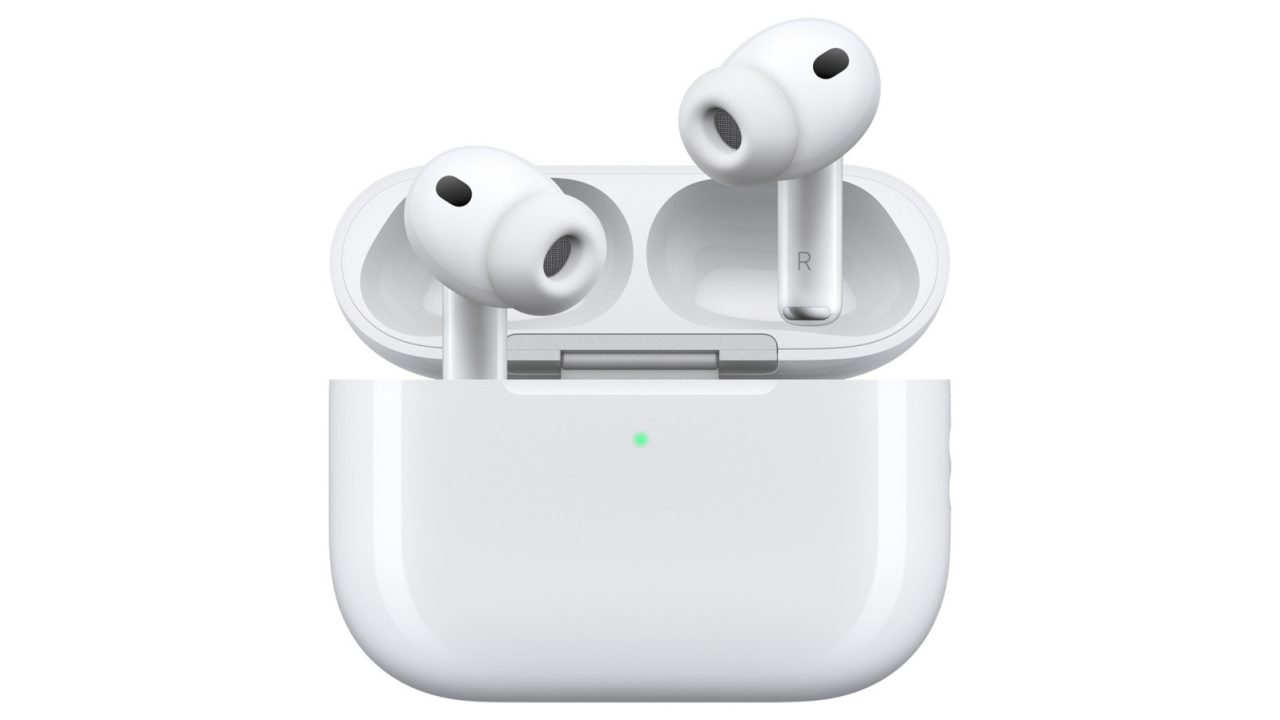
Apple AirPods can make sounds for several reasons beyond a low battery.
Charging problems, Bluetooth interruptions and routine audio checks can trigger AirPods sounds, while sharper noises may point to damage or a poor fit.
AirPods chirping does not always mean the battery needs charging. Power interruptions, connectivity problems and routine microphone checks can also explain unexpected sounds from Apple’s earbuds.
A low battery remains the most common cause. To check, open the charging case and look at the phone paired with the earbuds for their battery status.
However, some sounds continue even after you plug in the case. Power fluctuations, interrupted electricity and other battery issues can cause repeated chirping during charging.

The type of sound also matters. A quiet chime can serve a routine function, while persistent alerts or piercing feedback have different possible causes.
What causes AirPods chirping and louder alerts?
Connection problems with a paired device can prompt the earbuds to make noise. For example, switching off Bluetooth on an iPhone may trigger a sound. Accidentally rubbing the earbuds together can produce noise too.
Meanwhile, AirPods Pro 2 and AirPods Pro 3 support Apple’s clinical-grade Hearing Aid feature. Apple says these models may occasionally chime quietly inside their charging case to check microphone and speaker performance. Those checks help support the quality of hearing test results.
The Find My feature, by contrast, produces louder and more persistent sounds when someone activates it. These alerts help users locate misplaced earbuds.
However, piercing feedback can also result from water damage or a build-up of dirt. Poorly fitting AirPods Pro tips may cause high-pitched noise as well.
Check the fit and adjust charging case sounds
AirPods Pro come with silicone tips in several sizes. Trying another size may help the earbuds form a better seal in your ears.
If none of the supplied sizes fits properly, third-party ear tips offer another option. You can also take the device to an Apple Store for assessment.
For charging case chirps, Apple provides a sound setting on the connected device. Open the AirPods case, then open Settings on the paired iPhone or other connected device.
Next, tap the AirPods name and go to the Audio & Routing section. Find Enable Charging Case Sounds and switch it off.
However, that setting does not resolve every type of noise. High-pitched feedback linked to water damage, for example, may persist despite changes to the sound controls.