


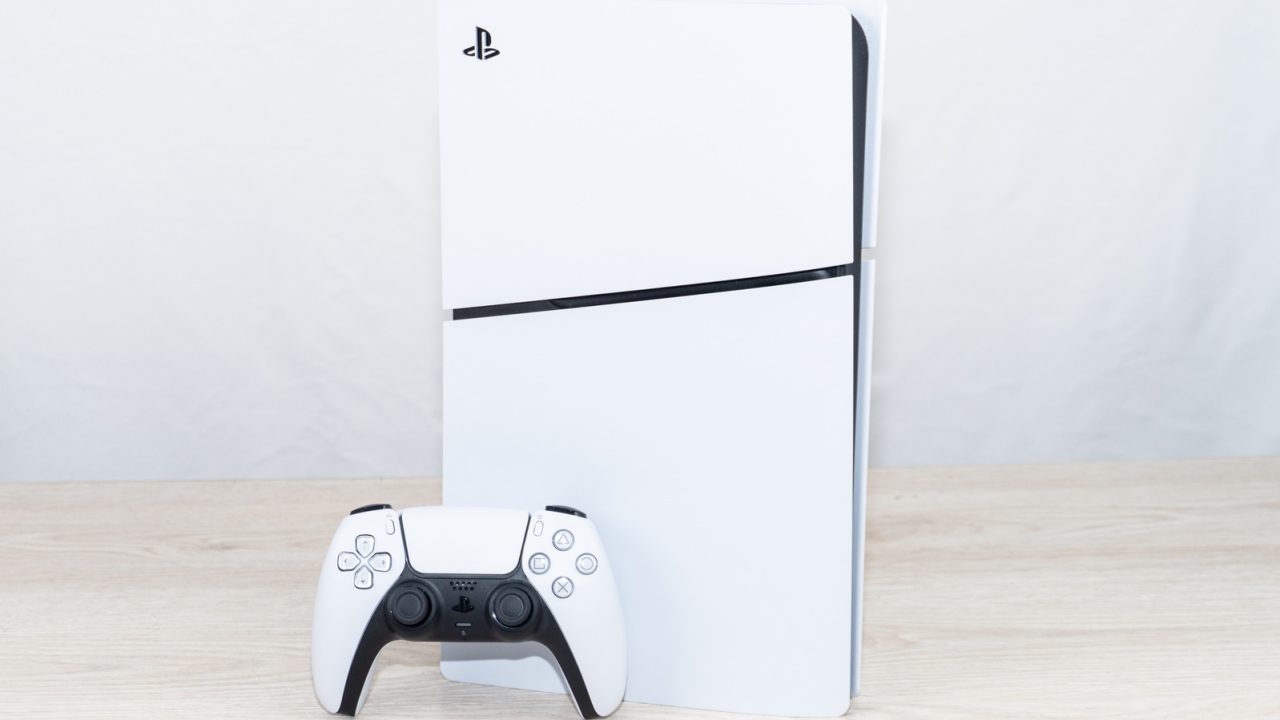
The PlayStation 5 needs clear vents and space around it for cooling.
Carpets collect dust close to console vents, while open stands give the PlayStation 5 more room for cooling.
PS5 carpet placement puts console vents close to dust and debris, making a clean, open stand a better choice. Sony advises owners to avoid long-fibre carpets and keep space around the console for airflow.
However, shorter carpet does not eliminate the concern. Carpet collects dust, skin flakes and other particles, even with regular cleaning. Placing a console directly on it leaves ventilation openings close to that debris.
Floor placement also exposes the system to accidental kicks or someone stepping on it. A small table or open TV stand offers a more suitable home, provided surrounding objects do not block airflow.

PS5 carpet placement and ventilation
The original PlayStation 5, Slim and Pro have different ventilation layouts. The original model has no vents on its vertical base. By contrast, the Slim and Pro have small vents underneath and include rail stands for horizontal placement.
Those differences do not remove the need for a clean setting. Sony recommends at least four inches of clearance around each side of the PS5. An open stand therefore needs enough room around the console, rather than simply enough space to fit it.
A tight shelf or enclosed cubby can restrict ventilation, even when the console sits above the floor. Instead, choose a position that leaves the vents clear and allows air to circulate.
Also check the space regularly as objects accumulate nearby. Items left beside the system can gradually crowd an otherwise suitable setup.
Cleaning and signs of overheating
If a PS5 has spent time on carpet, moving it should go alongside routine cleaning. Switch the console off and unplug it before using a low-power handheld vacuum on the vents.
Regular maintenance matters because poor airflow and accumulated debris can contribute to overheating. Long gaming sessions in a cramped, poorly maintained setup can also damage internal components over time.
However, fan noise alone does not necessarily signal a fault. The PS5’s cooling fan can become louder during demanding games, and that behaviour can be normal.
More concerning signs include crashes during play, fans that remain unusually loud, and an on-screen warning that the PS5 is hot. The system can also shut itself down when temperatures rise too far, helping protect its internal components.
If these warnings occur while the console sits on carpet, relocate it and clean the vents. Keep the new position open and tidy so the cooling system has room to work.