

An official IP rating indicates a USB-C connector’s protection against dust and water.
An IP67 or IP68 rating helps buyers identify water protection, but users should never connect a wet cable to a device.
Buyers choosing waterproof USB-C cables should check for an IP67 or IP68 rating, rather than relying on water-resistance claims. The USB-C standard itself does not specify protection against water.
Ordinary cables may survive a splash, but moisture can still damage their connectors and connected equipment. Even with a waterproof cable, users should never plug a wet connector into a device.
The International Electrotechnical Commission developed the IEC 60529 standard to classify protection against solids and liquids. In its Ingress Protection code, the first digit indicates dust protection, while the second indicates water protection.

How waterproof USB-C cables protect connections
Waterproof connectors typically use silicone rubber seals, gaskets or locking collars to keep moisture out. Some designs also use threaded bayonet couplings, which compress a rubber seal as the collar tightens.
For extended water exposure, manufacturers may use a tough synthetic rubber such as neoprene. Meanwhile, designs requiring chemical or solvent resistance frequently use fluoroelastomer, also known as FKM.
These cables commonly serve demanding environments, including manufacturing, construction, maritime operations and electric vehicle charging systems. They come in several connector types, including male, female and angled versions.
However, the seal design alone should not determine a purchase. Buyers should check the official IP rating rather than assume that a rugged-looking connector provides waterproof protection.
What to do when a cable gets wet
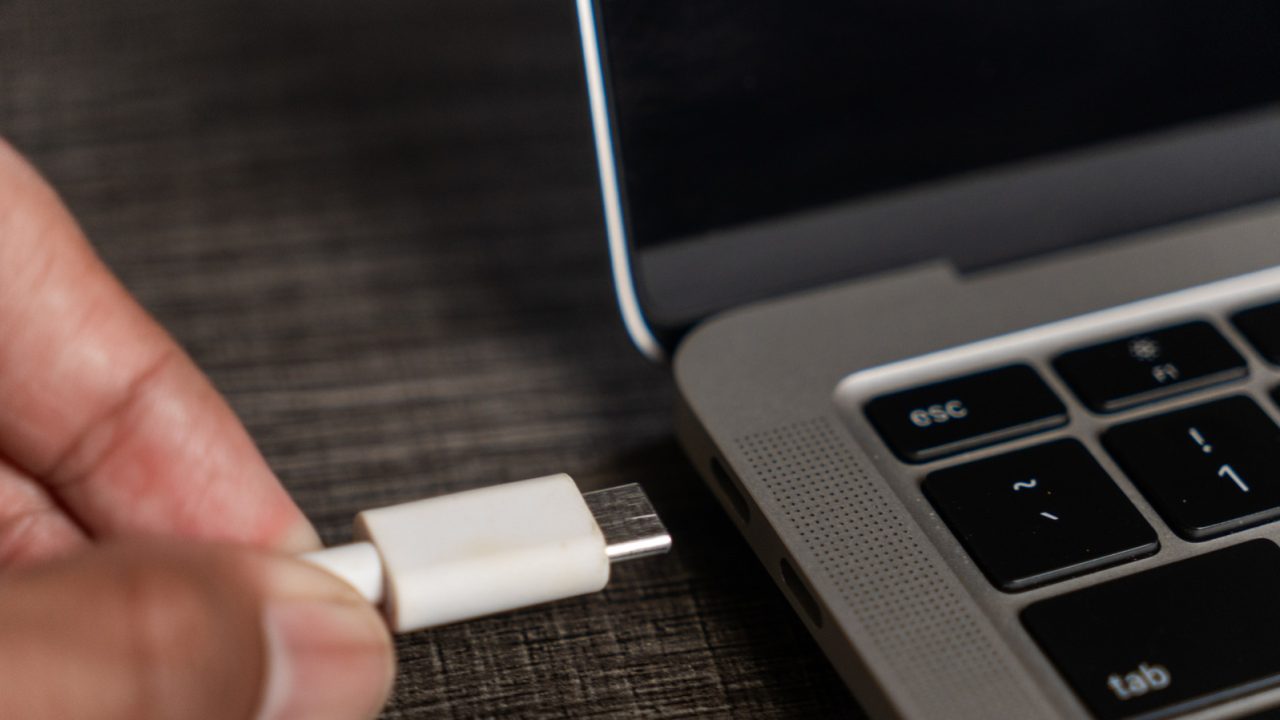
A USB-C connector contains 24 contacts, which may connect to power or data wires inside the cable. If water enters the connector, it can cause a short circuit and damage equipment. Prolonged moisture exposure can also corrode the contacts.
In addition, a wet cable that short-circuits can overheat, potentially causing a fire. Unplug a wet cable, shake its connector ends to remove water, then leave it to dry for 24 to 48 hours.
Avoid using a hair dryer because its heat can damage the cable. Rice is also unsuitable, as it can introduce grit and dust into the connector.
Once the cable dries, users can generally use it again if the contacts show no corrosion. However, replace it if it becomes hot during use after drying.